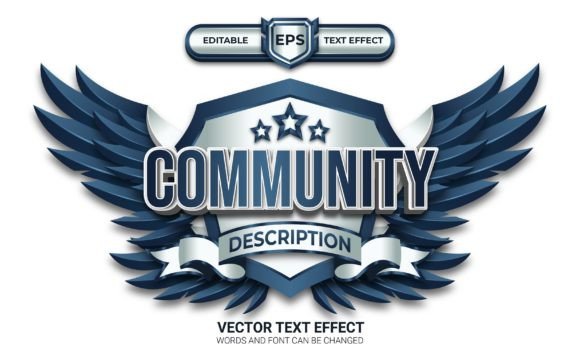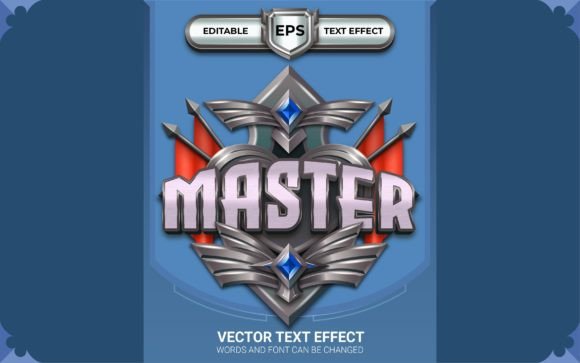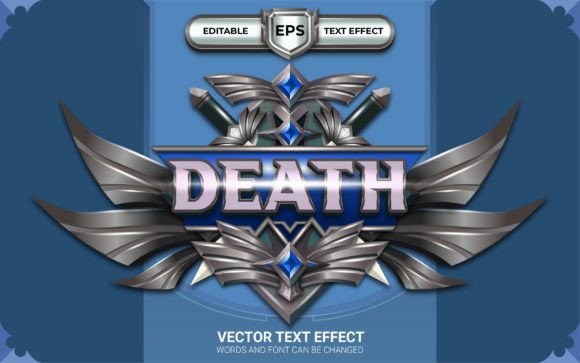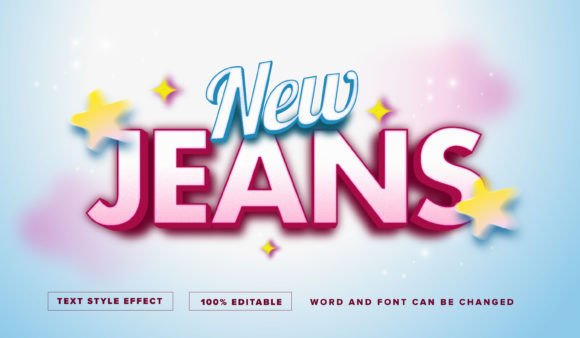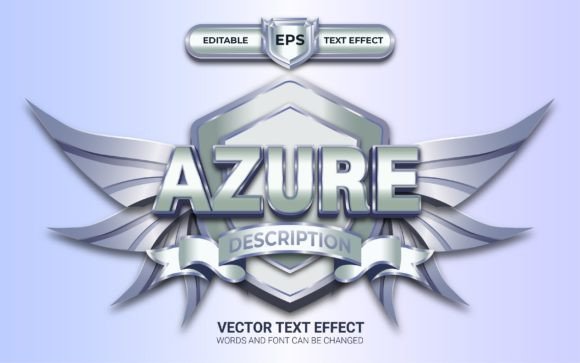
Azure Logo or Badge with Text Effect for Illustrator
Looking for a quick way to give your text a polished, professional finish? The Azure Logo or Badge with Text Effect is a ready-made Adobe Illustrator file designed to transform ordinary typography into a striking visual element. This resource is built for designers who want high-impact results without spending hours on manual styling, making it ideal for creating standout logos, social media posts, or promotional materials.
This text effect is more than just a static template. It's fully editable and customizable within Illustrator, allowing you to change the words, fonts, and colors to match your specific brand or project. The files are provided in both AI and EPS formats, ensuring compatibility and flexibility. Since it uses 100% free fonts, you can avoid additional licensing costs for your commercial projects.
Creative Applications and Use Cases
The true value of a design asset like the Azure effect lies in its versatility. It can serve as a cornerstone for a wide range of creative projects, helping to establish a cohesive and professional aesthetic.
- Brand Identity & Logo Design: Use it to craft a unique logotype or wordmark for a new brand, giving it instant depth and character.
- Social Media Graphics: Create eye-catching headers, promotional banners, or story graphics for Instagram, Facebook, and Twitter that grab attention in a crowded feed.
- Print & Editorial Design: Apply the effect to headlines on posters, flyers, magazine covers, or event invitations for a premium, tactile feel.
- Digital Products & Merchandise: Design compelling titles for e-books, course graphics, or even stylized text for t-shirt designs and other merchandise.
Tips for Effective Font Selection and Pairing
While this effect provides a fantastic starting point, thoughtful font selection will elevate your final design. Consider the mood of your project. A bold sans-serif typeface might convey modernity and strength, while a classic serif could add a touch of elegance. Always test the effect with your chosen font to ensure the letterforms interact well with the styling and maintain clear readability, especially at smaller sizes.
Pairing is another key consideration. The Azure Logo effect works well as a primary display font. For supporting body text, choose a simpler, highly legible typeface that complements without competing. This contrast helps establish a clear visual hierarchy in your design, whether for a website layout, a printed brochure, or a social media carousel.
Ensuring a Professional and Cohesive Result
The right design assets do more than just look good—they build recognition and trust. A consistent, professional typography style, perhaps anchored by a distinctive effect like this one, strengthens your brand's visual identity across all touchpoints. It signals attention to detail and quality to your audience.
When downloading any font or text effect, always review the license to confirm it fits your intended use, whether for personal projects, client work, or commercial products. This particular resource includes a helpful guide file to streamline your setup process. By integrating a versatile and well-crafted text effect into your toolkit, you empower yourself to produce polished, visually cohesive designs that effectively communicate your message and leave a lasting impression.