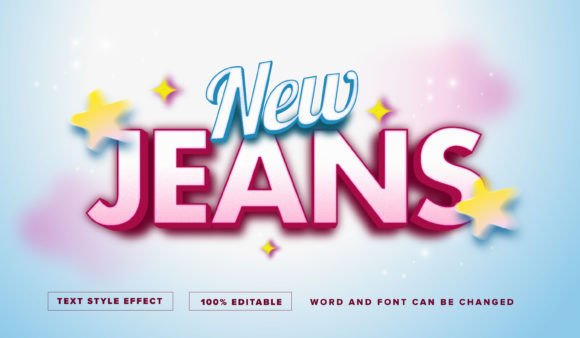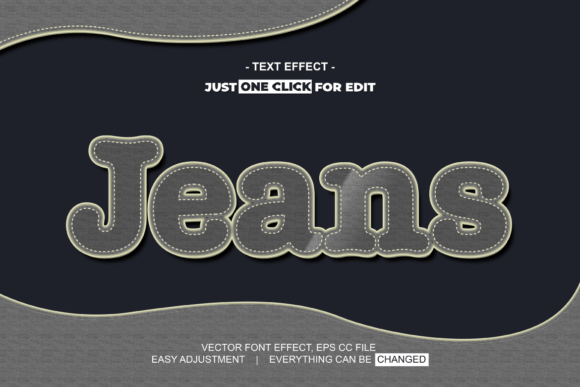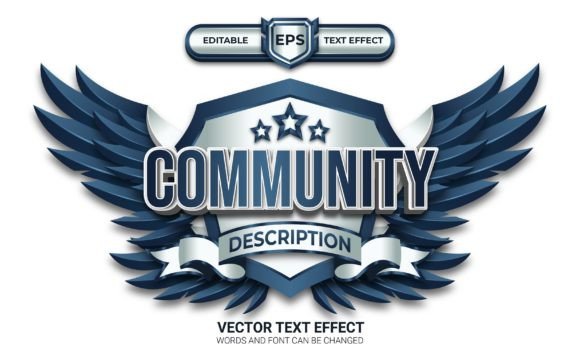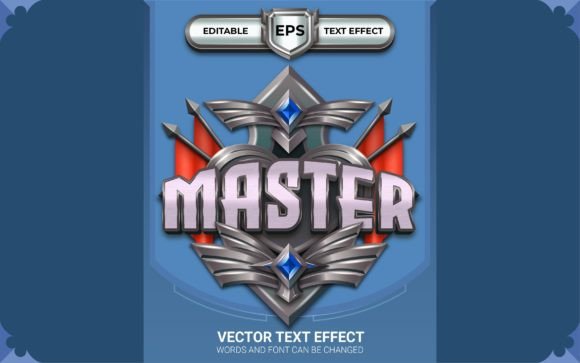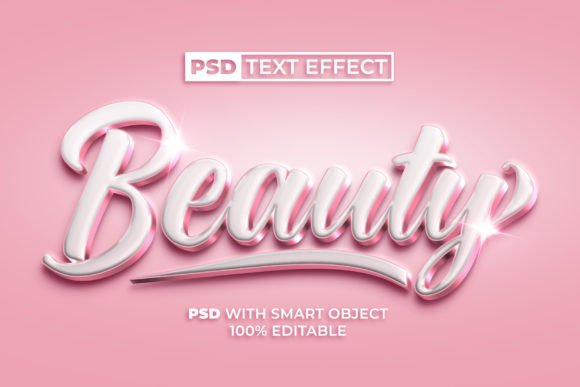
Beauty Text Effect: Rose Gold Style for Photoshop
Imagine giving your text a luxurious, metallic sheen that instantly catches the eye and communicates elegance. That’s the power of the Beauty Text Effect Rose Gold Color Style, a versatile design asset that transforms ordinary typography into something truly special. This effect is more than just a color; it’s a quick way to add a premium, polished finish to your creative projects, making it ideal for designers and creators who want professional results without a steep learning curve.
So, what exactly is this tool? It’s a Photoshop template that uses Smart Object technology. In simple terms, you open the file, double-click a layer, type in your own text or paste your logo, save, and watch as the stunning rose gold style is automatically applied. This process eliminates the need for complex layer styles or manual adjustments, making it a perfect solution for those who need a high-impact look fast. The package includes both a PSD file for full editing and a JPEG preview, ensuring you have everything you need to get started.
Where Can You Use This Rose Gold Effect?
The applications for a sophisticated text effect like this are incredibly broad. Its warm, metallic tone conveys a sense of quality and refinement, making it suitable for numerous design contexts:
- Brand Identity & Logo Design: Use it to create a standout logo or wordmark for beauty, fashion, jewelry, or lifestyle brands. The effect helps establish a modern and upscale brand identity.
- Social Media Graphics: Elevate your Instagram posts, Facebook covers, or Pinterest pins. A rose gold headline can make a promotion or quote graphic look far more engaging and shareable.
- Packaging & Product Design: Apply the effect to product names or labels for cosmetics, candles, or specialty foods to enhance shelf appeal and convey a premium product quality.
- Poster & Editorial Design: Create eye-catching titles for event posters, magazine layouts, or blog headers that demand attention and set a luxurious tone.
- Web Design & Digital Products: Use it for website hero text, sale banners, or the cover of an e-book or digital guide to make your online presence feel more curated and professional.
- Invitations & Merchandise: From wedding invitations to custom merchandise like mugs or tote bags, this effect adds a touch of glamour and personalization.
Tips for Choosing and Using Design Assets
When integrating a new design asset like the Beauty Text Effect into your workflow, a few practical considerations can ensure the best outcome. First, always check the readability of your final text, especially at smaller sizes. While the effect is beautiful, clarity is paramount in effective design. Next, consider the mood of your project. Rose gold pairs beautifully with soft neutrals, deep greens, and crisp whites, but it might clash with certain color palettes, so always test it within your overall composition.
Thinking about font pairing is also wise. If you’re using this effect on a headline, pair it with a clean, simple sans-serif or serif font for body text to maintain visual hierarchy and balance. The beauty of this particular asset is its 100% editable nature; you can adjust the color, scale, or even the underlying texture to better match your specific vision. Finally, always confirm the license of any font or effect you download to ensure it fits your intended use, whether for personal projects or commercial client work.
Choosing the right tools is about more than just aesthetics; it’s about efficiency, consistency, and elevating your work. A well-executed text effect can serve as the cornerstone of a visual theme, ensuring your designs look cohesive and professionally polished across all platforms. By starting with a high-quality, easy-to-use asset like this, you save valuable time while achieving results that resonate with a sense of style and attention to detail. It’s a simple yet powerful way to enhance your creative toolkit and make every project shine.